9 Admin Dashboard Design Mistakes That Slow Your Team Down
Vanity charts, slow tables, missing bulk actions and more. Nine common admin panel and dashboard UX mistakes, with practical fixes for each.
Dashboard Development
Spreadsheets work until they do not. When orders, stock, staff and reports live in five different places, decisions get slow and mistakes creep in. A custom dashboard puts it all on one screen, with the numbers your team actually needs.
We design dashboards around the real tasks people do every day, then build them on a secure backend that connects to the tools you already use.
The details
We sit with the people who will use the dashboard and design around their daily tasks.
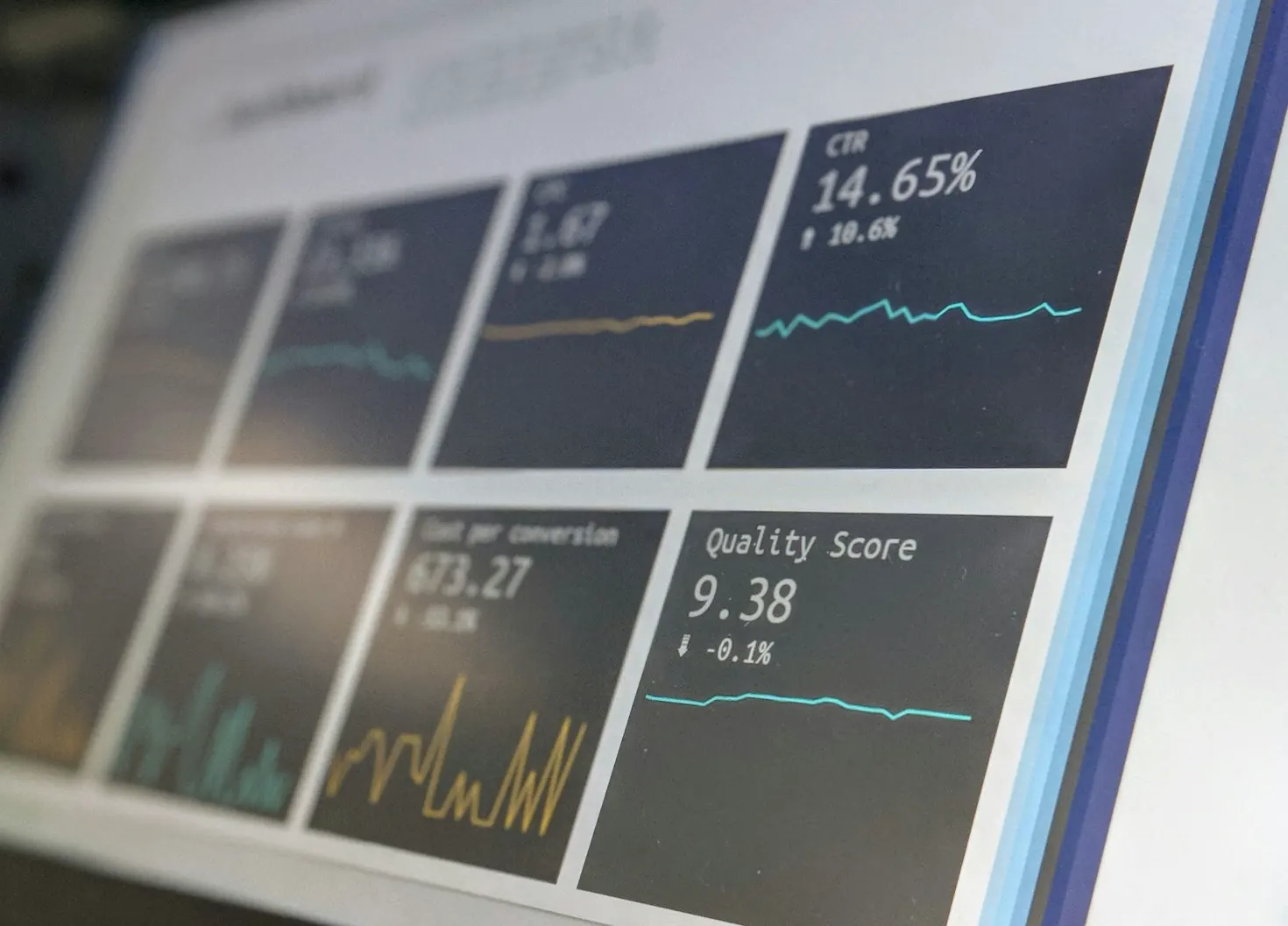
Live charts, tables and alerts from your database, APIs and third-party tools.
Admins, managers and staff see only what they need, with an audit trail of changes.
Manage users, orders, content and settings for your website or app without touching code.
Scheduled reports, PDF and Excel exports, and filters that answer real questions.
Payment gateways, CRMs, accounting software, Google Sheets and custom APIs.
How it works
Step 1
We start with your goals, customers and competitors. One or two short calls turn into a written scope, timeline and fixed quote.
Step 2
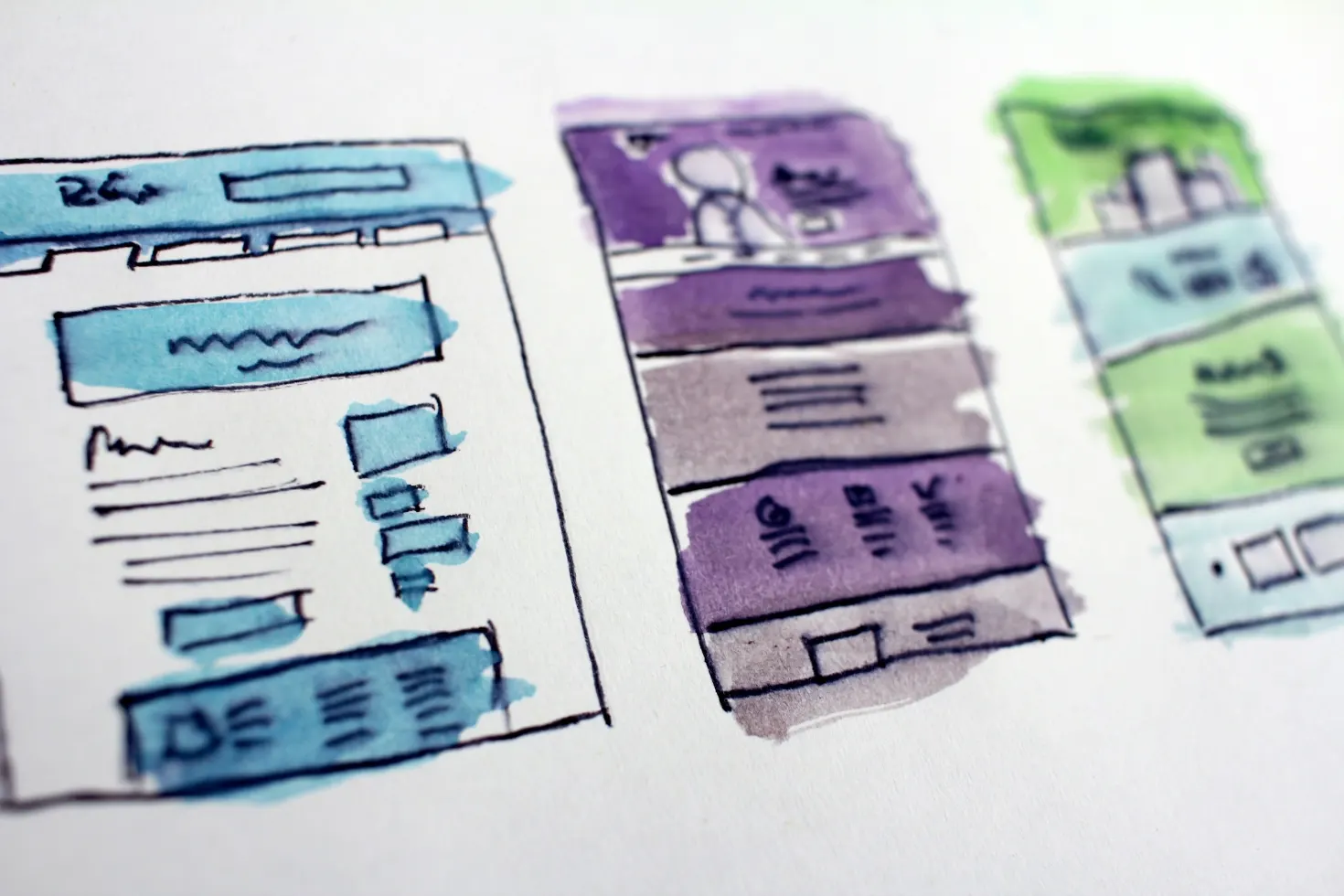
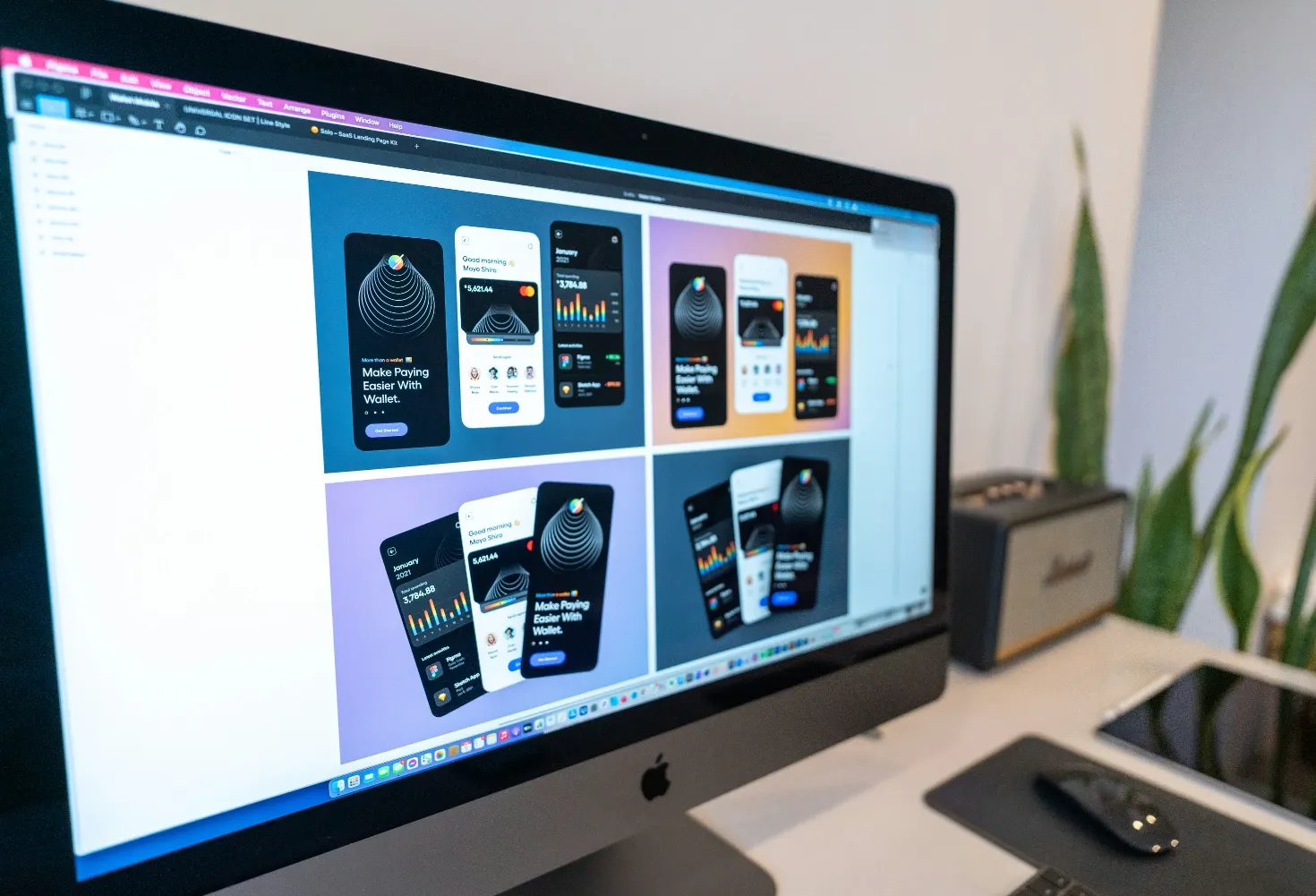
Wireframes first, then polished screen designs. You review real layouts with your real content before anything is built.
Step 3
We build with modern frameworks, test on real phones and browsers, and set up SEO, analytics and integrations as part of the work.
Step 4
We launch, watch the numbers and keep improving: SEO, ads readiness, speed and new features on a monthly plan if you want one.
FAQ
A dashboard mainly shows information: numbers, charts and alerts. An admin panel is where you change things: users, orders, content and settings. Most of our projects include both.
Usually yes, through the software's API or a database connection. We check every integration during discovery so there are no surprises.
We use role-based access, encrypted connections, secure authentication and regular backups, and we follow the principle of least privilege for every user role.
A focused dashboard with a few data sources typically takes 4 to 8 weeks. Larger internal tools are delivered in phases.